SozdaiSozdai

Avito profile bannerA pair of images in exact sizes — in a couple of minutes.

AI assembles your shop cover in two sizes: 1202 × 436 for desktop and 1242 × 936 for mobile. One scene, up to three advantages, none of the elements Avito forbids.

Make a banner

First pair is free. No sign-up, no card required.

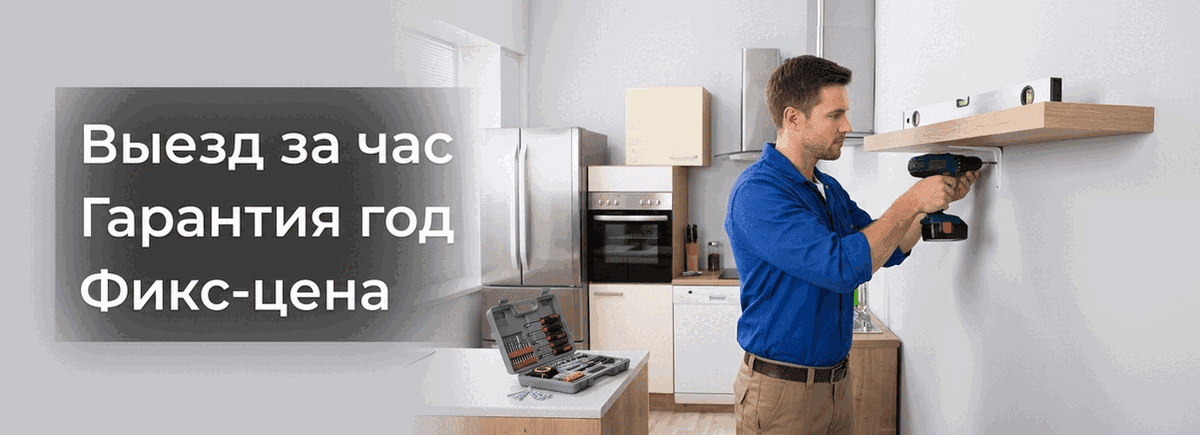
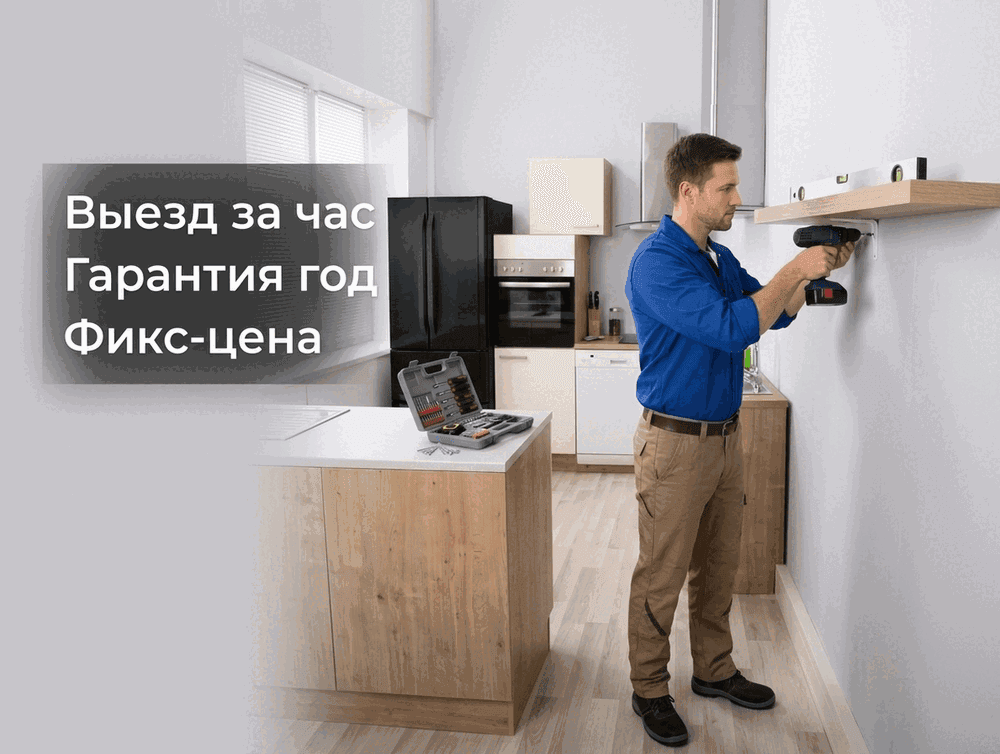
An example Avito profile banner for desktop: a wide 1202 × 436 pixel imageThe same profile banner in its phone version: a 1242 × 936 pixel image
An example pair — both images made in one click

Avito sizes and rules

1202 × 436
1202 × 436 — the desktop version
1242 × 936
1242 × 936 — the mobile version
  • Avito prints the company name and logo over the banner itself — they must not be drawn inside the image.
  • Phone numbers, links, addresses and QR codes are not allowed on a banner.
  • Keep text away from the very edges: part of the banner is covered by the Avito interface.

How it works

1
Describe what you do in one line and mark up to three advantages.
2
Optionally attach one or two photos of your work or of yourself.
3
Press “Make the pair” — you get both files in exact sizes, plus a ZIP.

Questions about the profile banner

Two: 1202 × 436 pixels for desktop and 1242 × 936 for mobile. Sozdai returns both files at once and exactly in those sizes — no manual resizing.

Make a banner for your Avito profile

Make a banner

First pair is free. No sign-up, no card required.