 Sozdai
Style Reference
A reference is the most predictable way to get the style you want when you've already seen how the card should look.
What is a reference
Any image whose style the AI should transfer to your product card. It could be a competitor's card on Wildberries that you liked, a Figma template, a Pinterest screenshot, someone else's infographic — anything that visually conveys the feeling you're after.
The key point: the actual product in the reference doesn't matter. The AI doesn't try to copy the other product — it only takes the visual treatment: lighting, color, object placement, atmosphere. Your product stays your product, just "dressed" in that style.
How to upload a reference
On the "Style" step, select the "Reference" tab. Drag a file into the upload zone or click it to open a file picker.
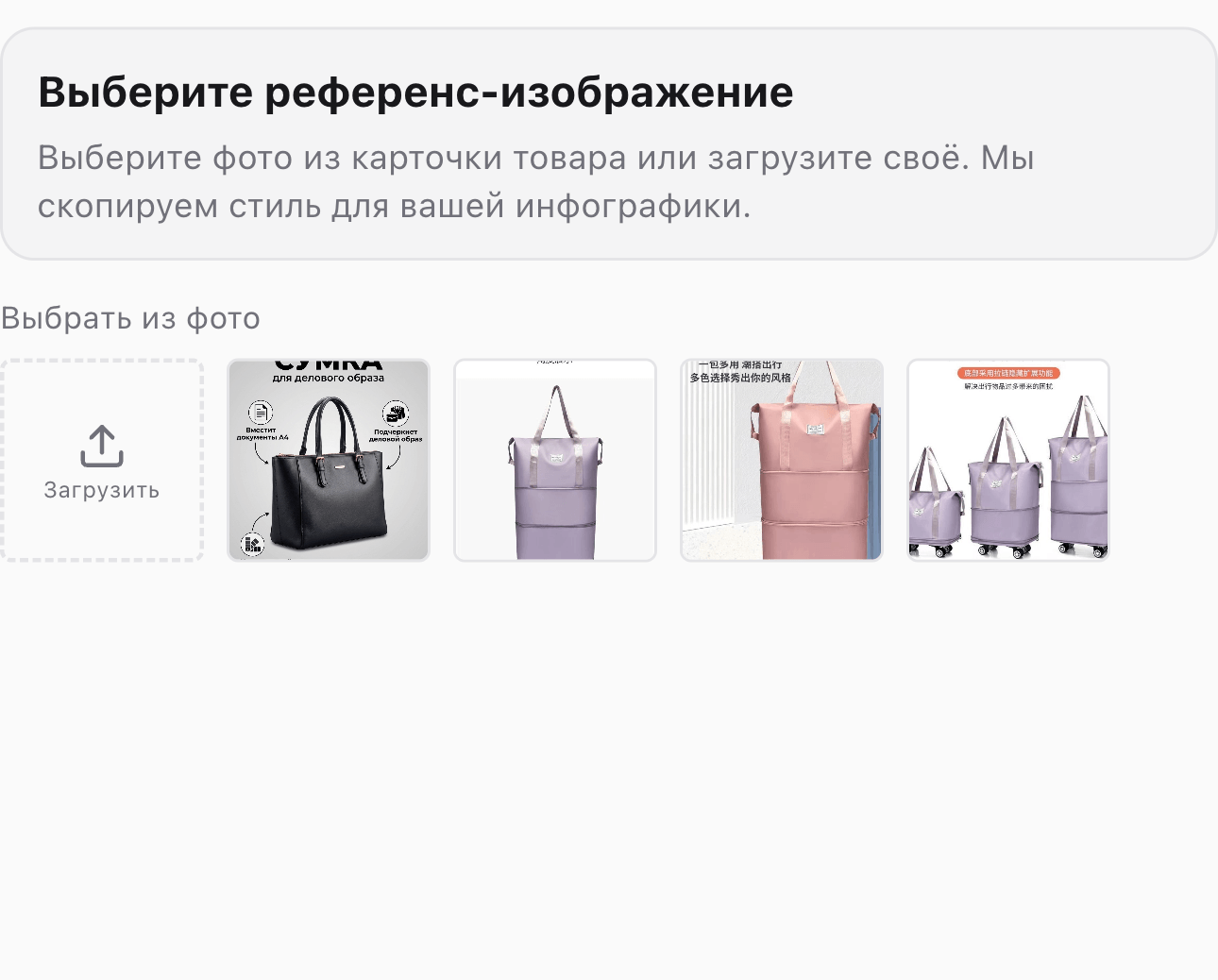
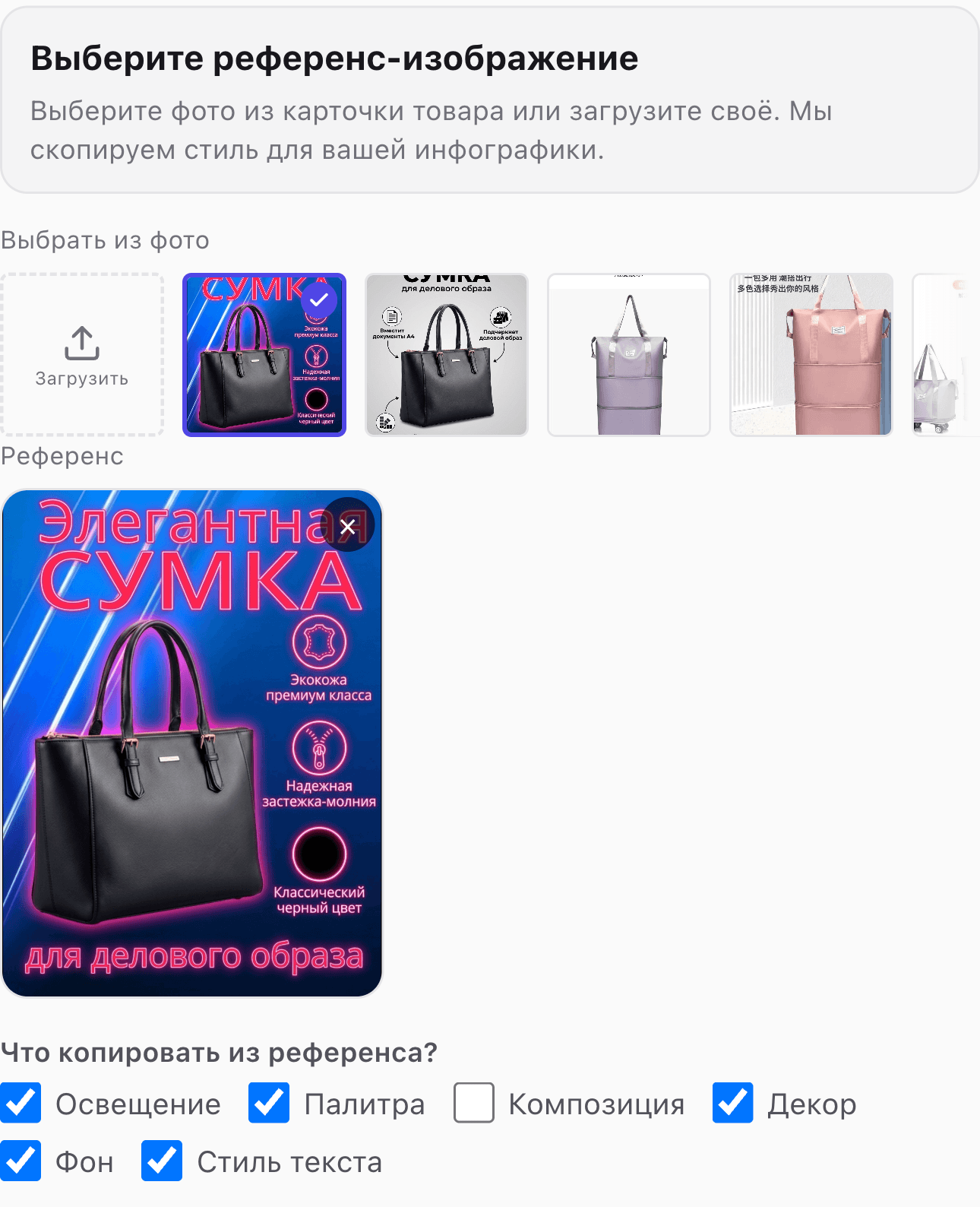
After uploading you'll see a preview. To replace it — click the X in the top-right corner of the preview and upload a different file. JPG and PNG up to 10 MB are accepted. The cleaner and larger the reference image, the more accurately the AI reads the style.
What gets copied
Six checkboxes sit beside the preview. Each controls a separate aspect of the style.

All are enabled by default. Uncheck whatever you do not want copied from the reference:
- Lighting — direction and intensity of light, presence of shadows.
- Palette — overall color temperature and dominant hues.
- Composition — angle, viewpoint, position of the product in frame.
- Props — decorative objects around the product (fabrics, branches, tableware, etc.).
- Background — color, texture, or scene behind the product.
- Text style — typeface, color, and placement of any captions visible in the reference.
For example, if the reference was shot on a beautiful wooden table but you want a plain white background — uncheck "Background". If the reference has elaborate props that don't suit your product — uncheck "Props".
Example
Here's how it works in practice:
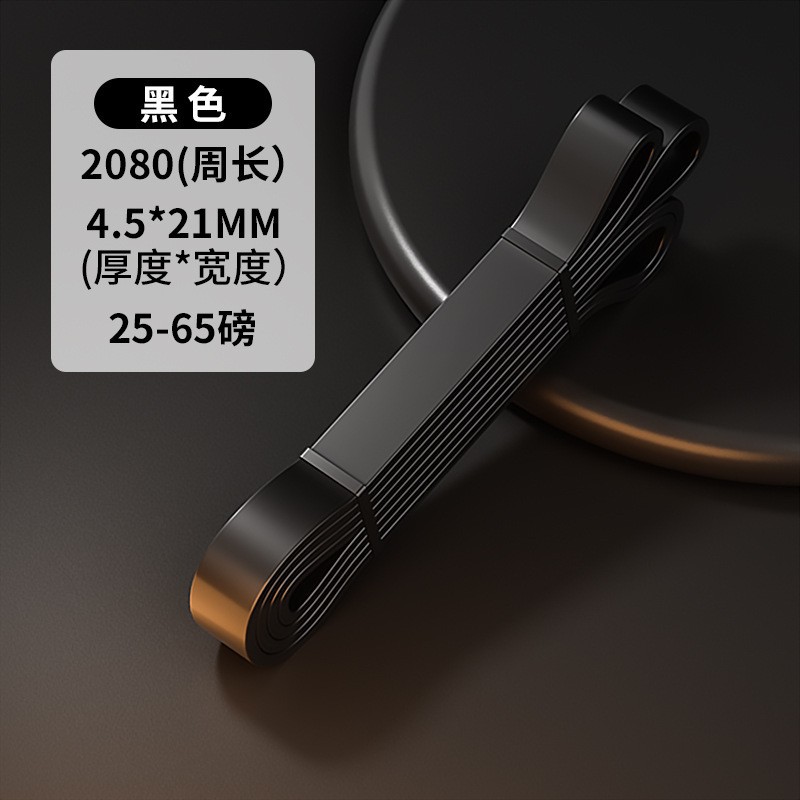
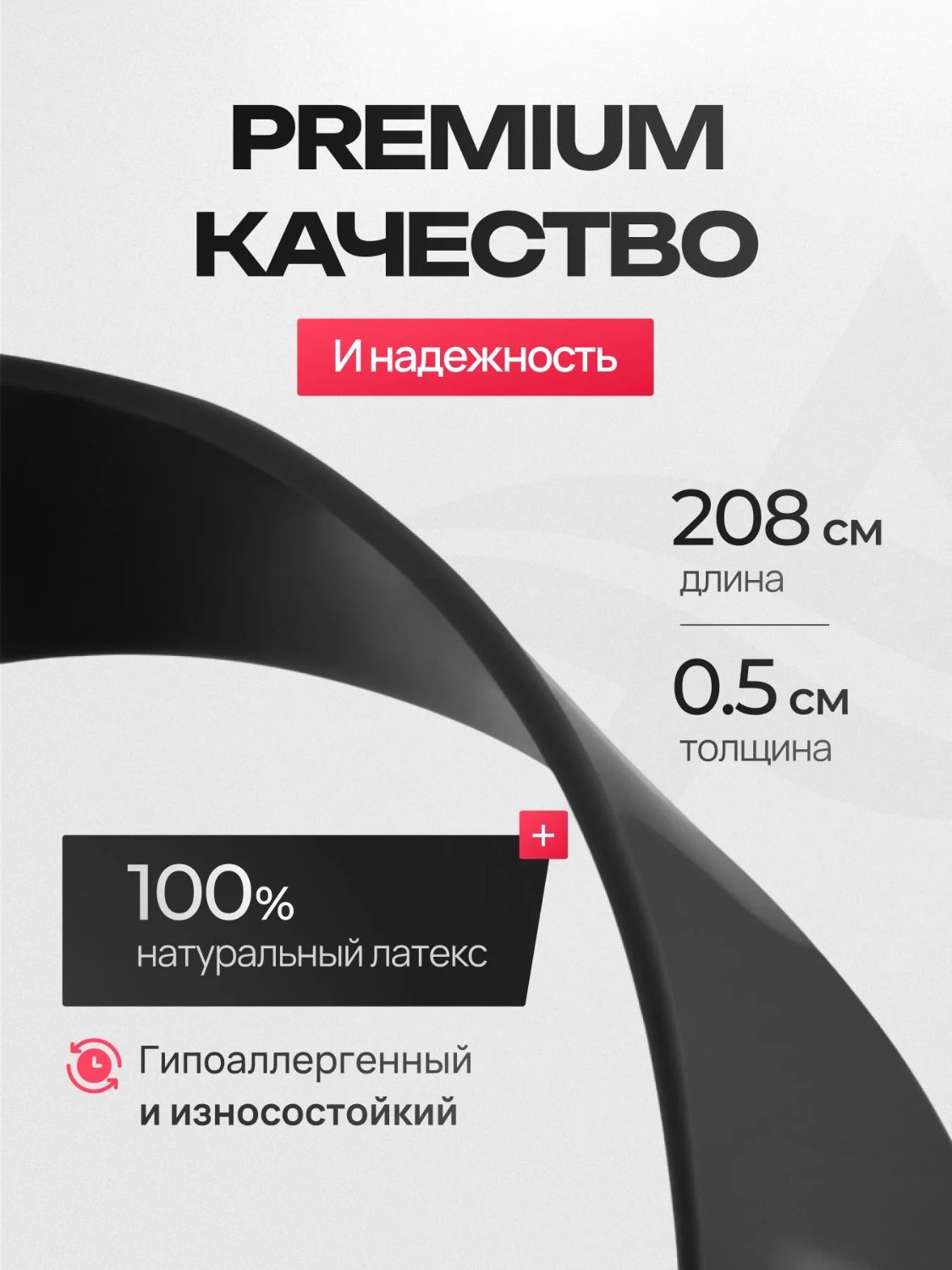
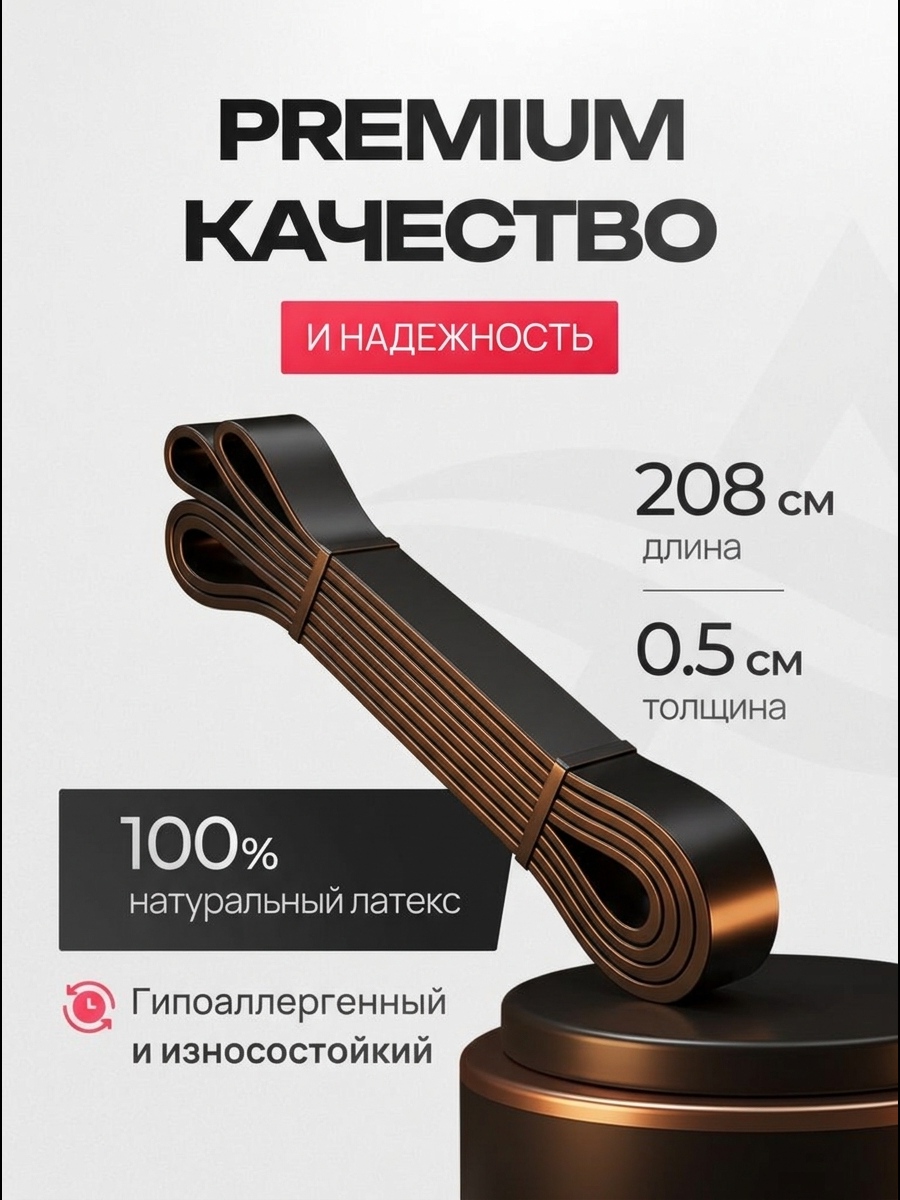
Left — the original product photo. Center — the style reference. Right — the result. The product itself is unchanged: same shape, color, and details. What transferred from the reference is the color palette, the quality of lighting, and the overall framing of the shot. That's the whole idea: change the card's "outfit" without touching the product.
Style is the first step; the remaining settings come on the following wizard steps. For the other style options, see Choosing a Card Style. For the full flow, see Step-by-step Card Generation.